NewWallpapers for iPhone Duo
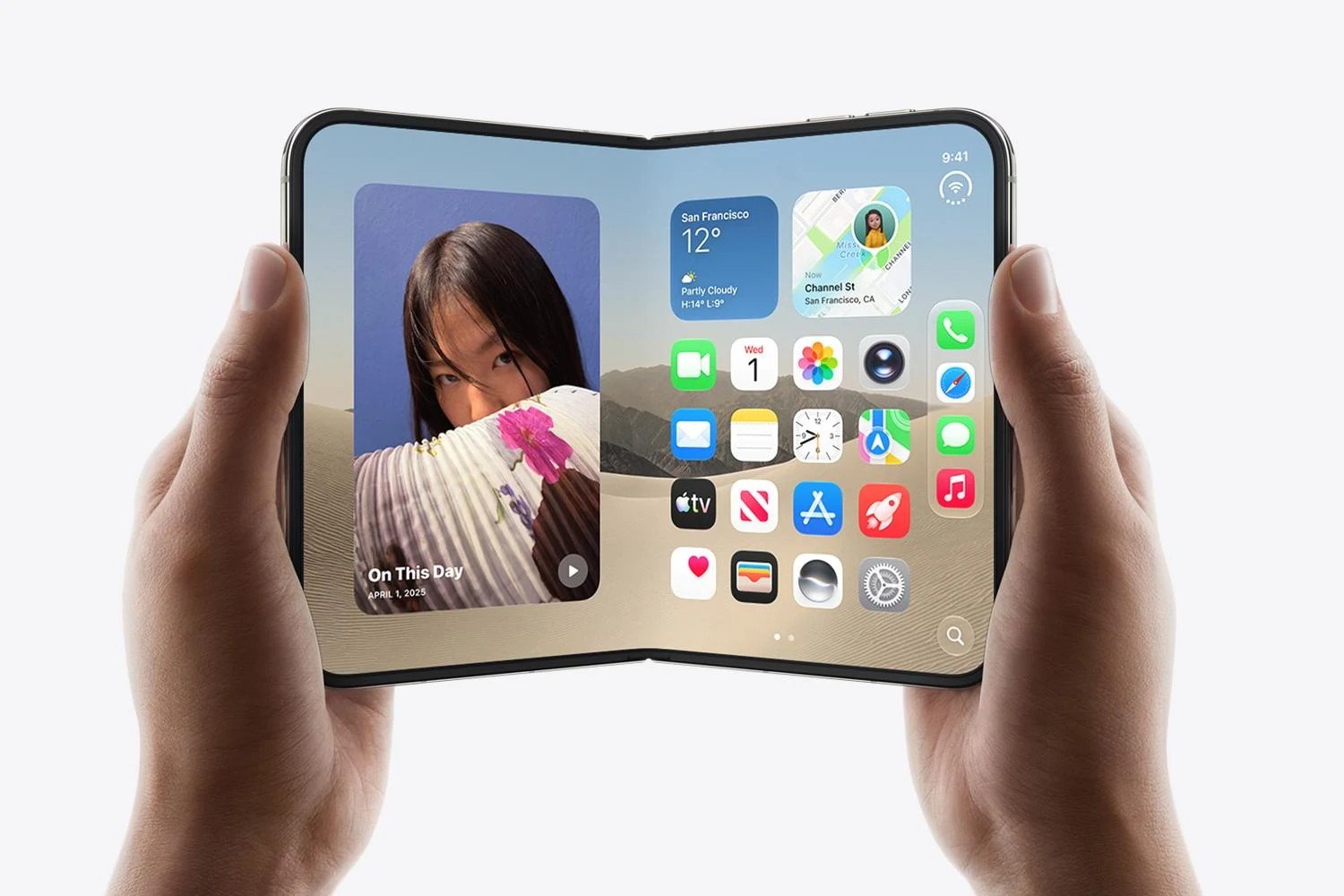
One wallpaper for iPhone Duo. One file, both displays.
Every design is a single free JPG that the Duo reframes across both displays — set it once, and open or closed it is the same artwork. Each file is rendered at 2670 × 1878, the Duo’s verified inner-display size.
Latest wallpapers.
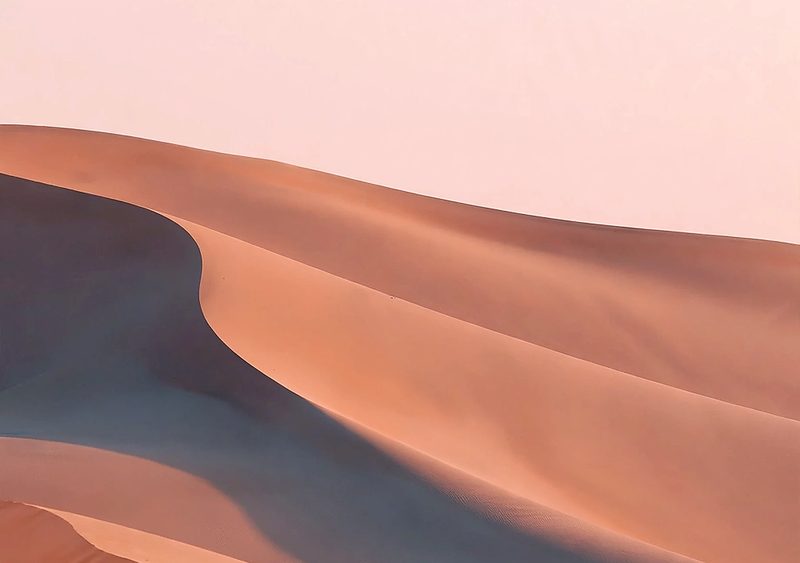
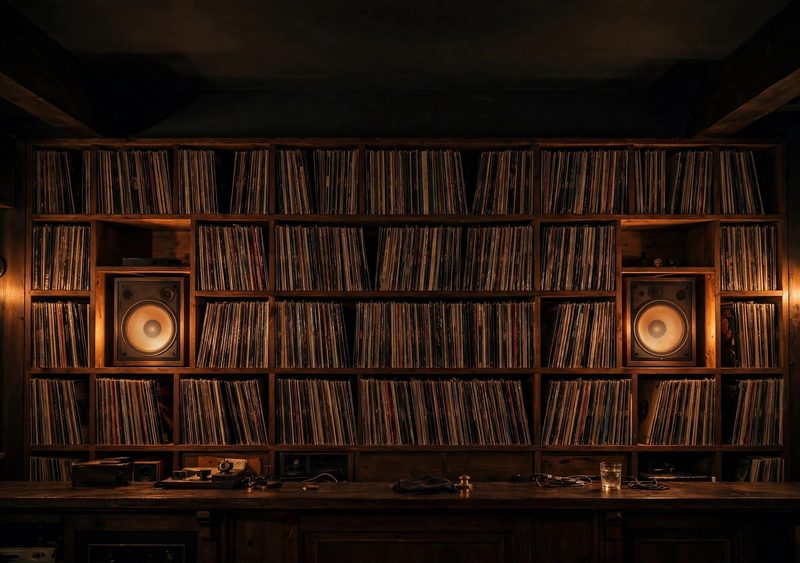
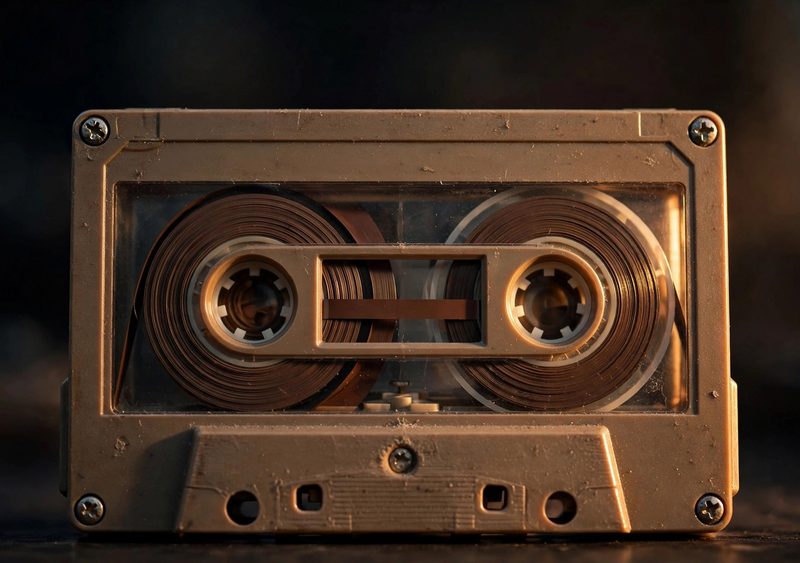
65 wallpapers, each a single free JPG at 2670 × 1878 — the Duo’s verified inner-display size. Tap any design to preview it on the Duo and download it.
 Fall
 Fall
 Music
 Calm
 Calm
 Minimal
 Vinyl & Listening
 Vinyl & Listening
 Vinyl & Listening
 Vinyl & Listening
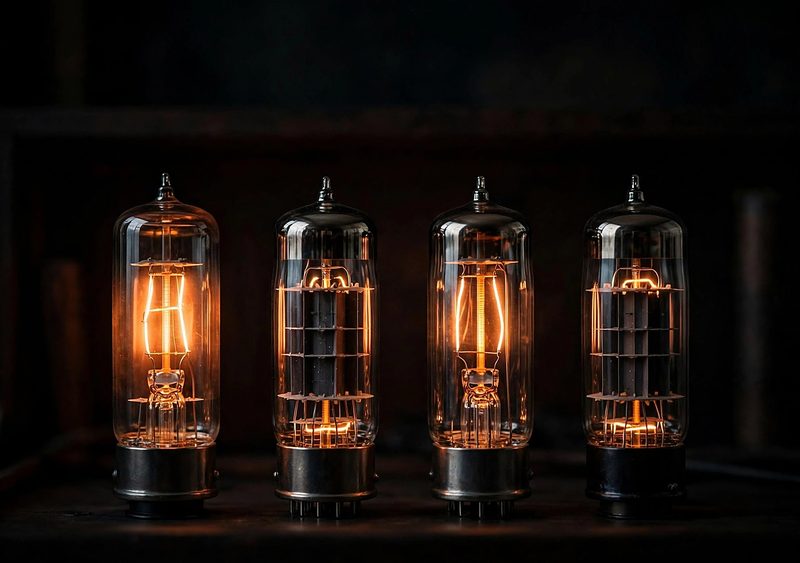 Vinyl & Listening
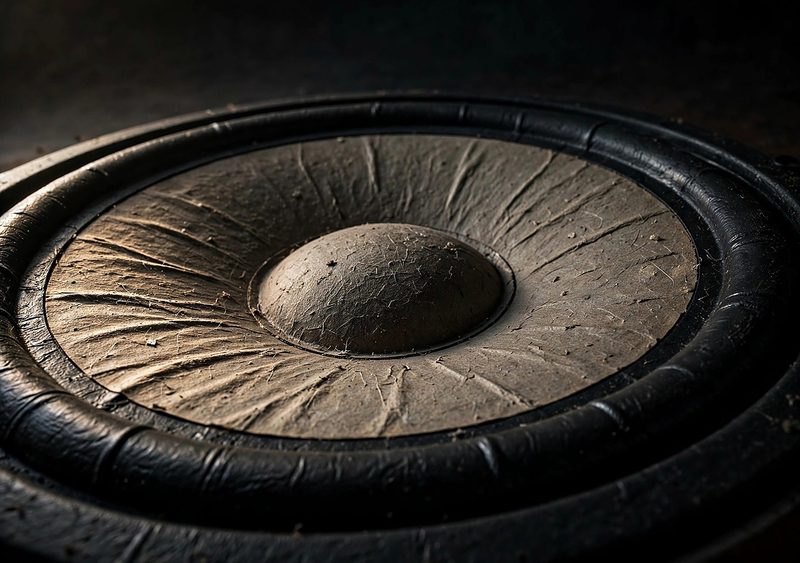 Vinyl & Listening
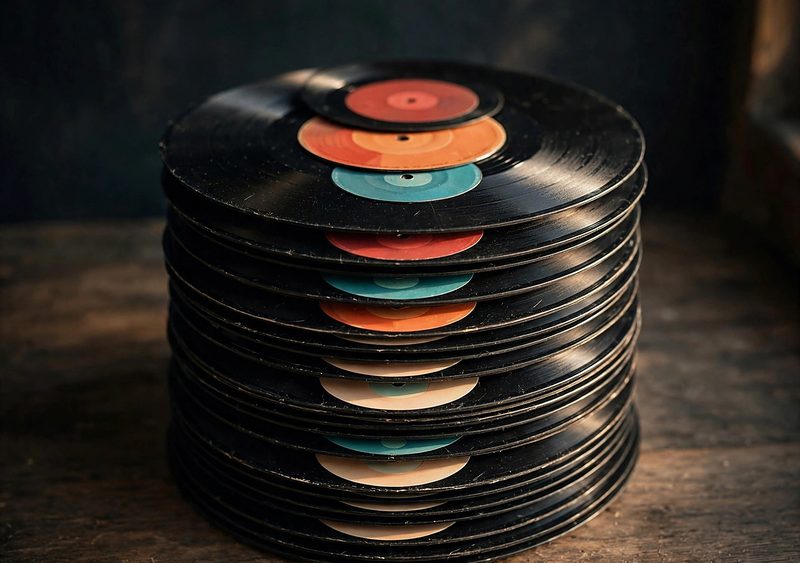 Vinyl & Listening
 Vinyl & Listening
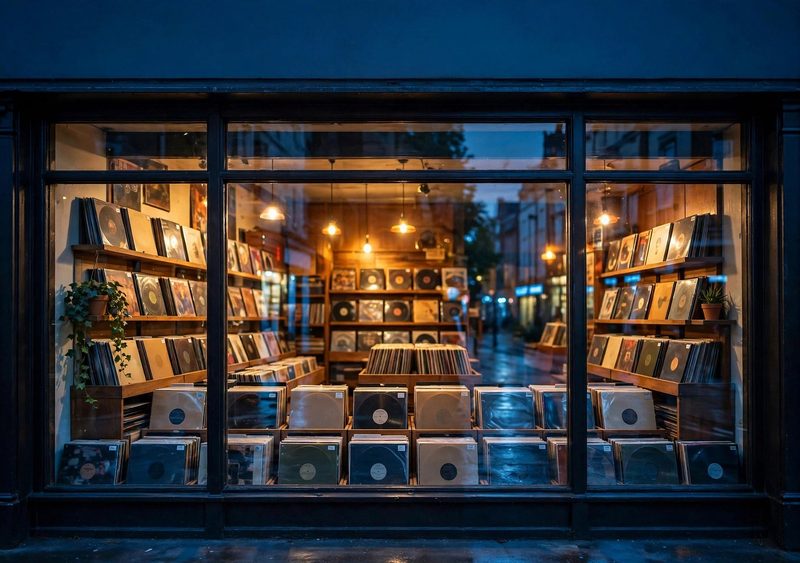 Vinyl & Listening
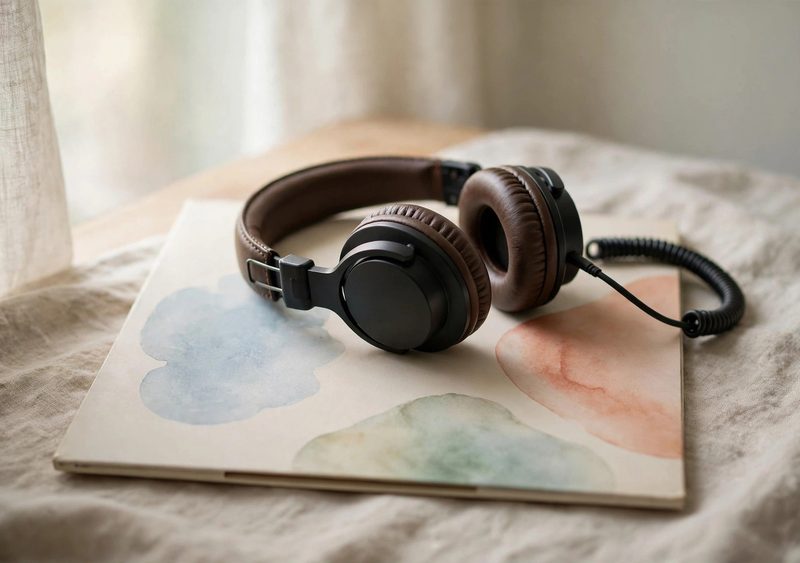 Vinyl & Listening
 Vinyl & Listening
 City Nights
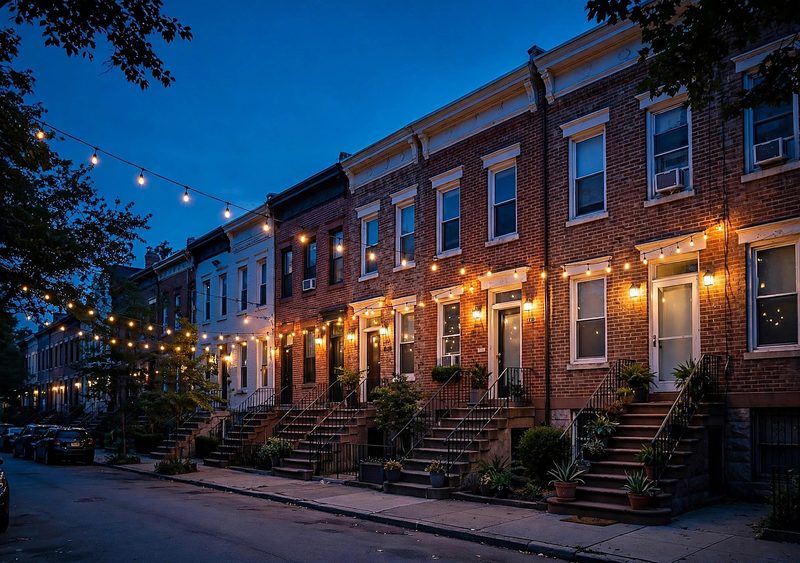 City Nights
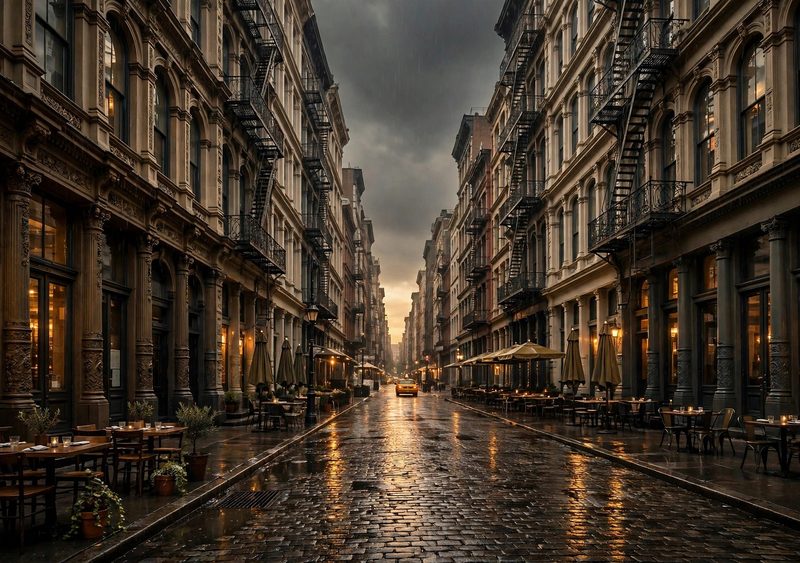 City Nights
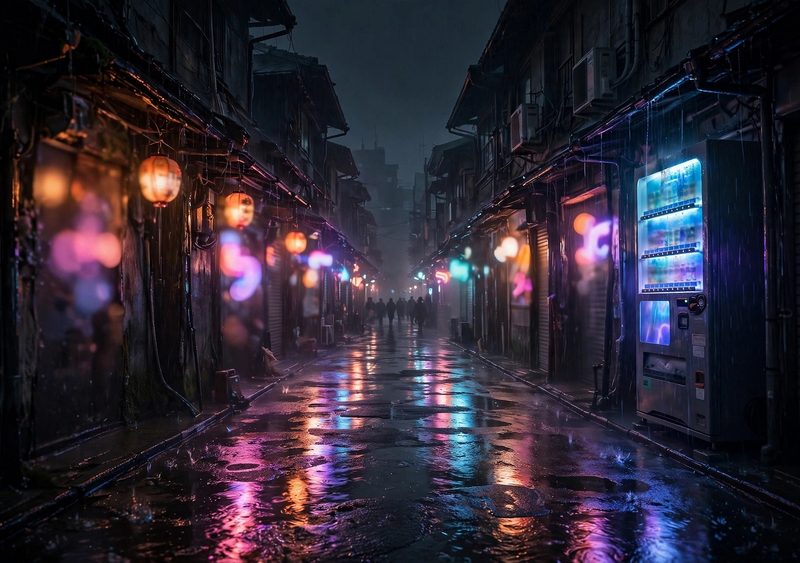 City Nights
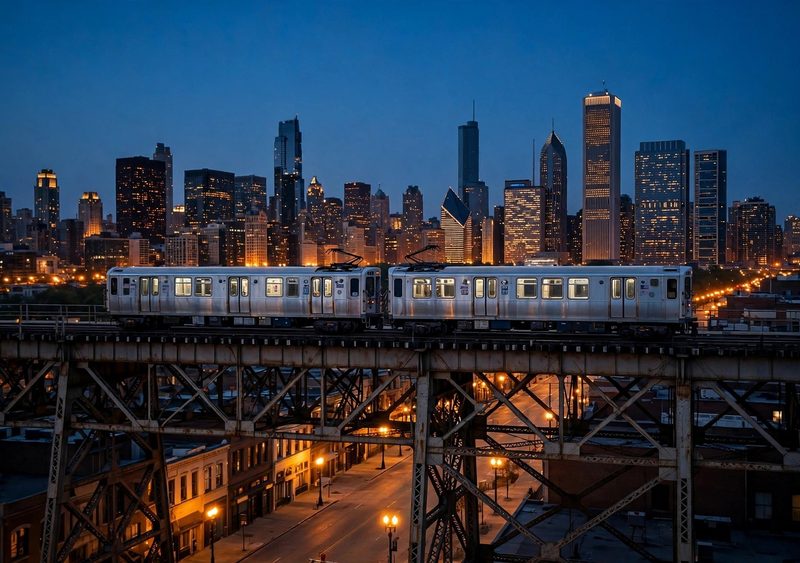 City Nights
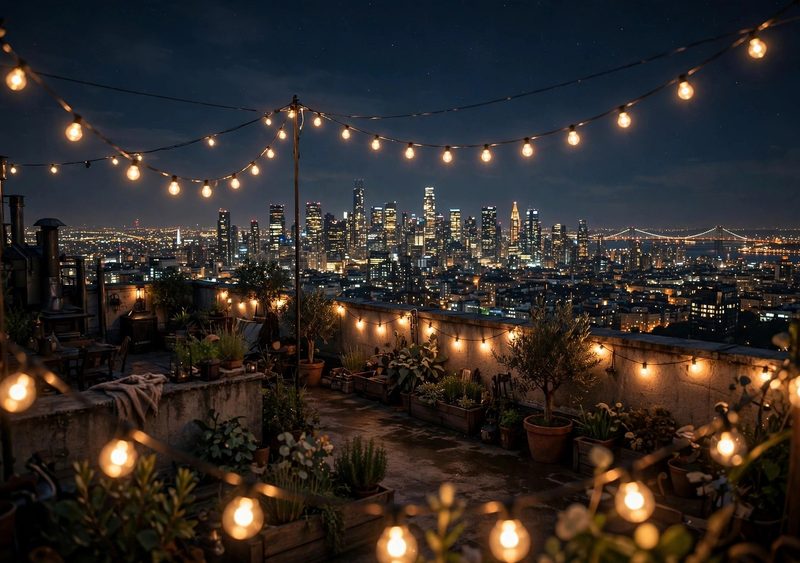 City Nights
 City Nights
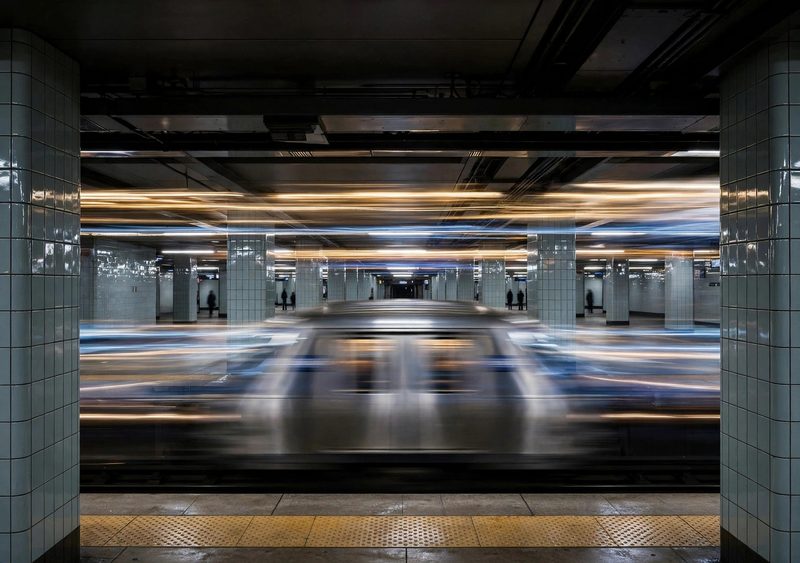 City Nights
 City Nights
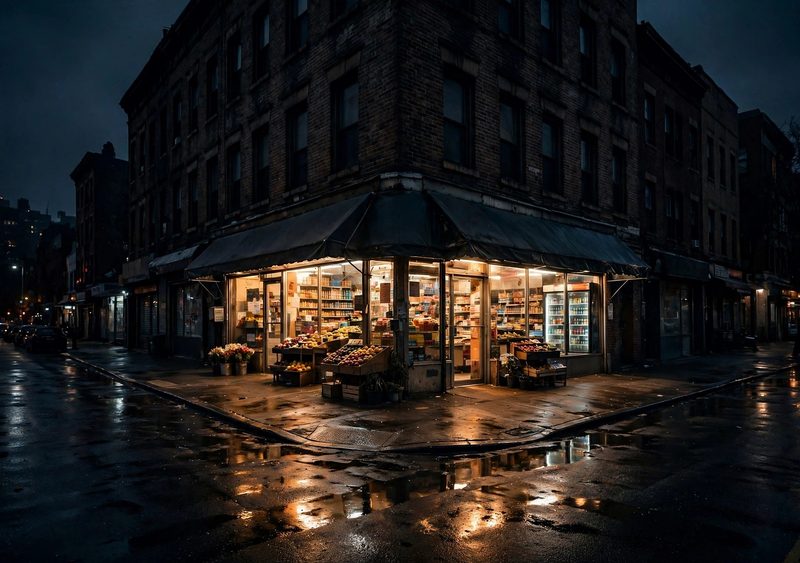 City Nights
 City Nights
 Nature
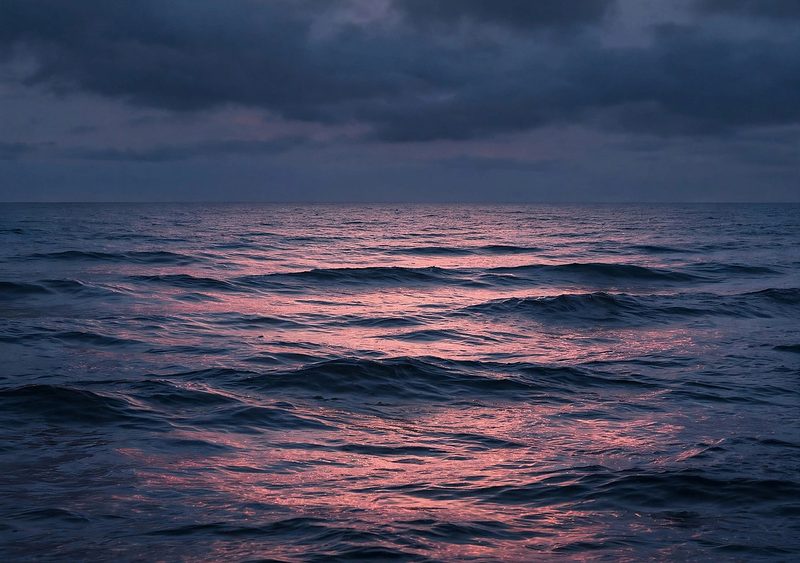 Nature
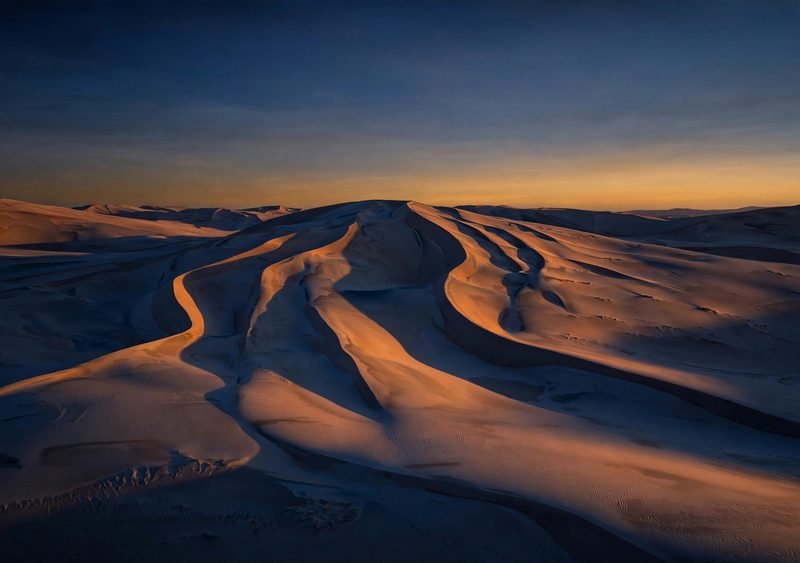 Nature
 Nature
 Nature
 Nature
 Nature
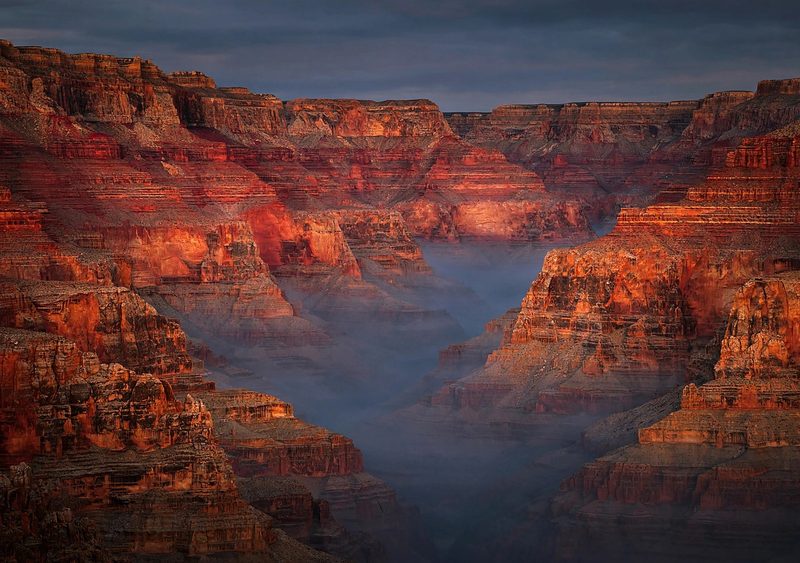 Nature
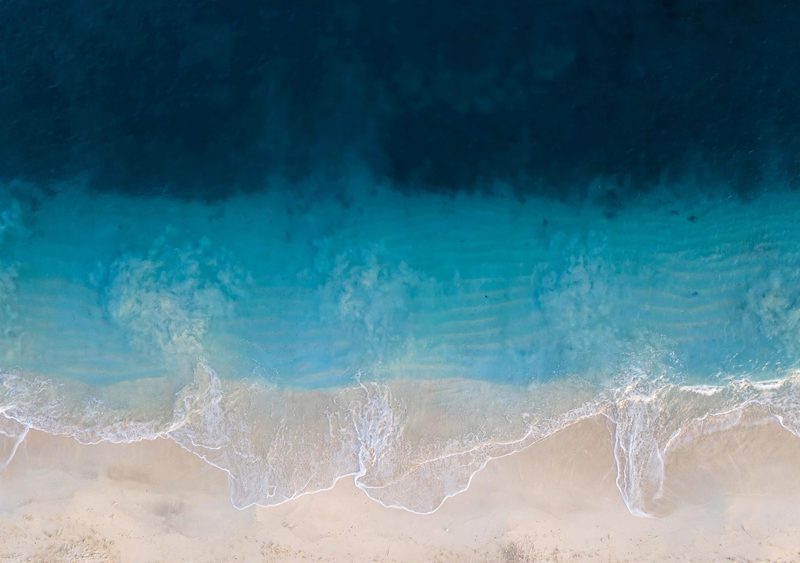 Nature
 Nature
 Nature
 Design & Texture
 Design & Texture
 Design & Texture
 Design & Texture
 Design & Texture
 Design & Texture
 Design & Texture
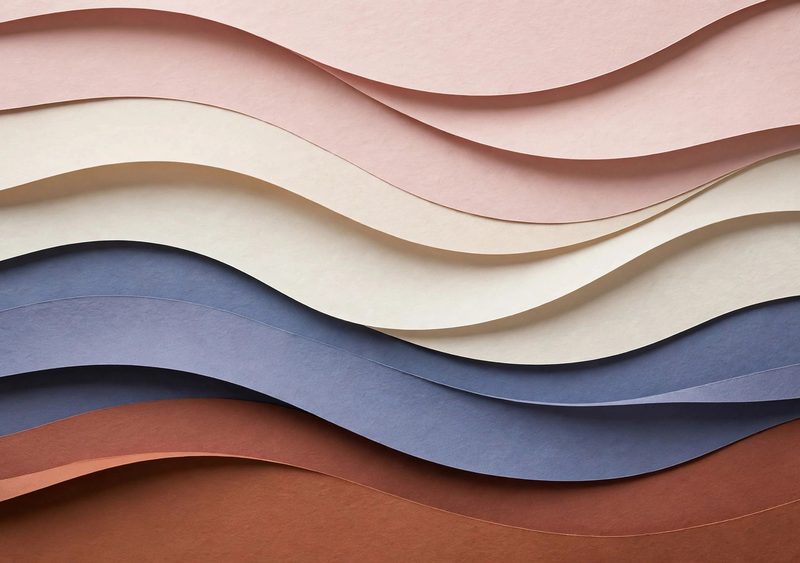 Design & Texture
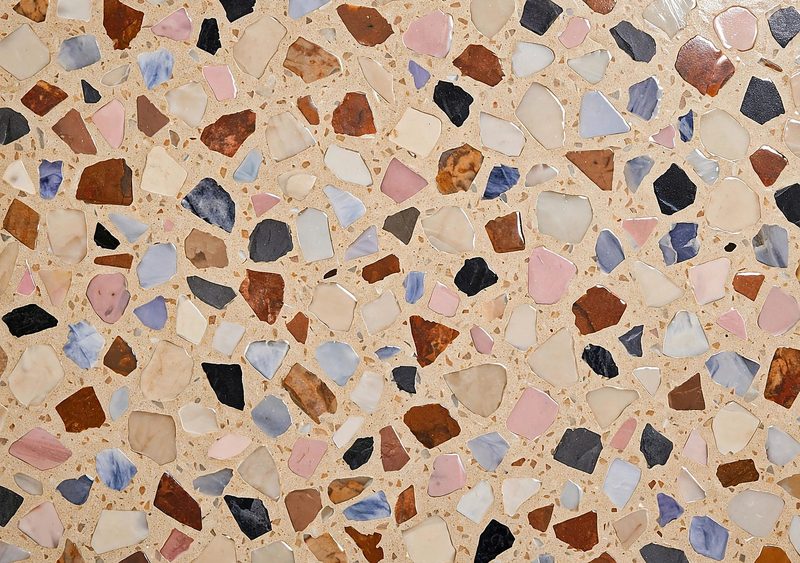 Design & Texture
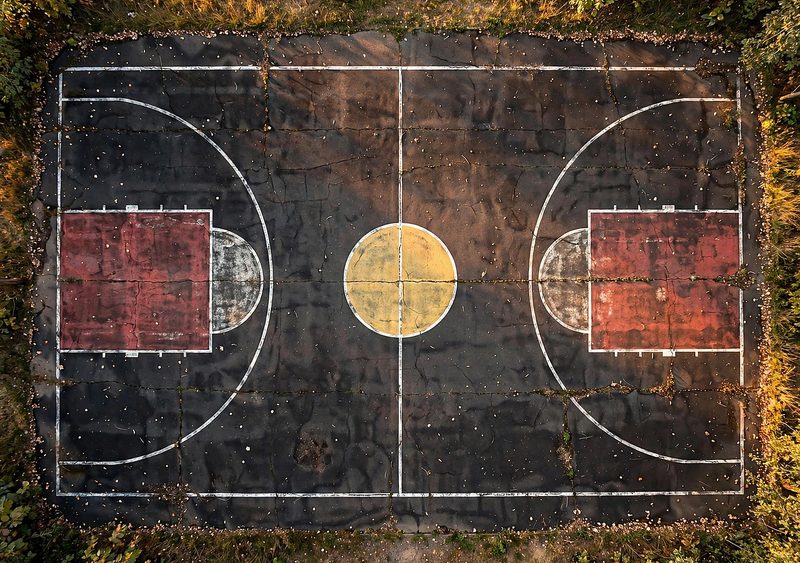 Design & Texture
 Design & Texture
 Space & Cosmos
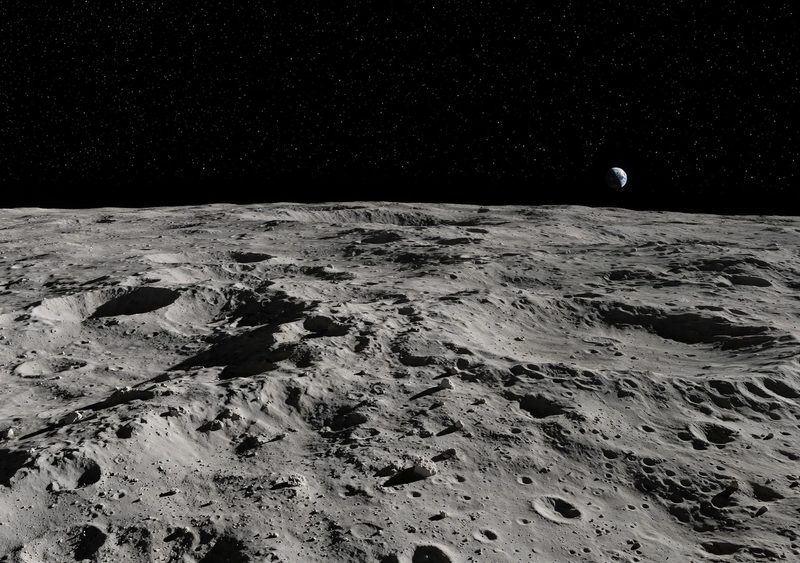 Space & Cosmos
 Space & Cosmos
 Cars
 Cars
 Cars
 Animals & Wildlife
 Animals & Wildlife
 Animals & Wildlife
 Flowers & Botanical
 Flowers & Botanical
 Flowers & Botanical
 AMOLED Dark
 AMOLED Dark
 AMOLED Dark
Duo Premium — planned, nothing to buy yet.
On your iPhone Duo in a minute.
Save the one file
Tap Download on a design page and the full-size wallpaper opens right there — press and hold it and choose Save Image (or tap Share / Save Image in that view) so the single 2670 × 1878 JPG lands in your Photos library. In a desktop browser it downloads as a file instead.
Set it once
Settings → Wallpaper → Add New. Pick the file, drag and pinch to position it, and tap Add. That is the whole setup — one wallpaper, one time.
Open it, close it — same art
The same wallpaper appears on both displays. When the phone is closed, the Duo reframes that same artwork for the cover display; the region it shows follows how you positioned the wallpaper in the editor. You cannot assign different artwork to the closed and open states natively.
What size is an iPhone Duo wallpaper?
One file at 2670 × 1878 — the inner display’s resolution. Verified November 1, 2026 from Apple’s published iPhone Duo tech specs via MacObserver, TestMu and screensize.io: the inner display is 7.6-inch at 430 ppi, 2670 × 1878 landscape (1878 × 2670 portrait, ≈1.422:1); the cover display is 5.4-inch at 460 ppi, 1398 × 2034 (≈1.455:1). The cover is not exactly half the inner display — half of 2670 is 1335, not 1398 — and the ratios differ slightly, so when the phone closes it reframes (crops) the one wallpaper rather than continuing it pixel-perfectly.
Do I need separate cover and inner files?
No. The Duo takes one wallpaper setup and reframes the same artwork across both displays. There are no separate inside and outside uploads, and you cannot natively assign different artwork to the closed state versus the open state. That is why every design here is a single download — and why the closed view on each design page is labelled a reframe preview, not a second file.
What exactly does the closed display show?
A reframed crop of the same wallpaper, fitted to the cover display’s taller 1398 × 2034 shape. The preview on each design page simulates that crop from the exact composed wallpaper file, so you can judge a design before downloading. The exact region your phone shows can be positioned in its wallpaper editor, so your closed view may crop slightly differently from the simulation.
How sharp are these files, honestly?
Every design’s master artwork is 1820–1920 px wide (the six launch designs were enhanced in place from 1008 px originals to 1840 px-wide masters — same artwork, same composition). Downloads are finished with high-quality Lanczos resampling and a light sharpening pass, and render that master at 2670 px wide — a final upscale of about 1.4–1.5×. That is still an upscale, not a native 2670 px file, and will look a little softer than native art on the open display at close range. Every design’s “About this file” note prints its exact sizes.